Product tour
Explore the operator view.
Search a dealership’s inventory, follow occupancy across a retail center’s surface lot and deck, and work through the exceptions that need a person, all on a sample site that runs in this page.
- 01Choose a sample site
- 02Search, or select a space on the map
- 03Decide on the review queue
- 04See the detection view
Sample site · synthetic data generated in your browser
Sample dealership — North lot
Running, sample time
Site map
- Occupied
- Empty
- Search match
- Selected
- Needs review
Select a zone to filter. Arrow keys move between spaces.
- AFront line20 spaces
- BNorth lot72 spaces
- CEast overflow28 spaces
- DService lane16 spaces
- EDelivery bay8 spaces
Inventory
- Search roughly 130 synthetic vehicles by stock number, VIN fragment, colour or body type, then open one to see its location, last observation and movement history.
Events
- Vehicle located, arrivals and departures, zone counts, test drives and exceptions appear here as structured events. Selecting one shows the related vehicle or zone on the map.
Review queue
Exceptions such as a vehicle not seen in its expected zone, or activity in a closed zone after hours, wait here. Confirm, dismiss, escalate or assign each one to a role, with an optional note.
Detection view
See what the edge sees.
Real object-detector output on one AI-created scene, analysed locally. Each outline is a detected vehicle, grouped into two illustrative display areas. Adjust the threshold to see how a site's review rules change what counts.
AI-created image, analyzed locally
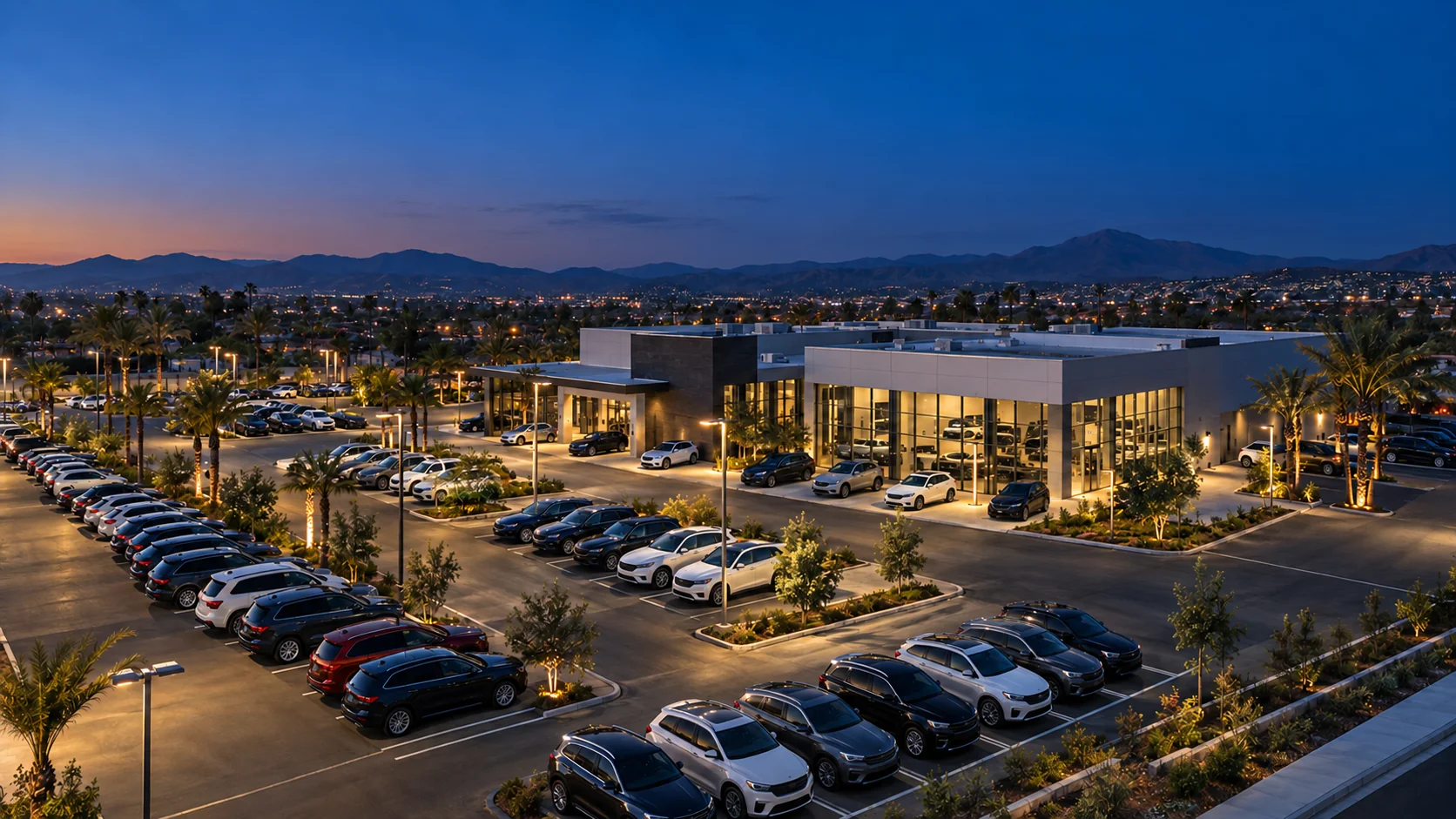
Showing
23 of 23 detections
- Left display area
- 13 vehicles
- Right display area
- 10 vehicles
Hide detections scored below this value.
Detections (highest score first)
Behind the sample
The same ideas, defined for your site.
Camera coverage, data retention, access and integrations are agreed with each customer before anything is installed. What stays the same is how the operator view behaves.
-
01
Your layout, your names
The map is drawn from your lot: zones, rows and spaces named the way your team already talks, so a porter, a sales manager and the service desk mean the same place.
-
02
Structured events
Video is processed on site and the operator view works from events: a vehicle located, a count updated, activity in a closed zone. Teams route them into the processes they already run.
-
03
Counts you can trust
When a zone has not reported recently its count reads “awaiting observations” instead of an old number, and site totals wait until every zone is current.
-
04
People decide
Exceptions wait in a review queue for the right role to confirm, dismiss, escalate or assign, and each decision is recorded next to the event that raised it.
Next step
See it with your lot in mind.
Tell us how your site is laid out and the questions your team asks every day. We will walk through how ParkSense would map to it. Managing shared parking at a shopping center? Plan your retail center.