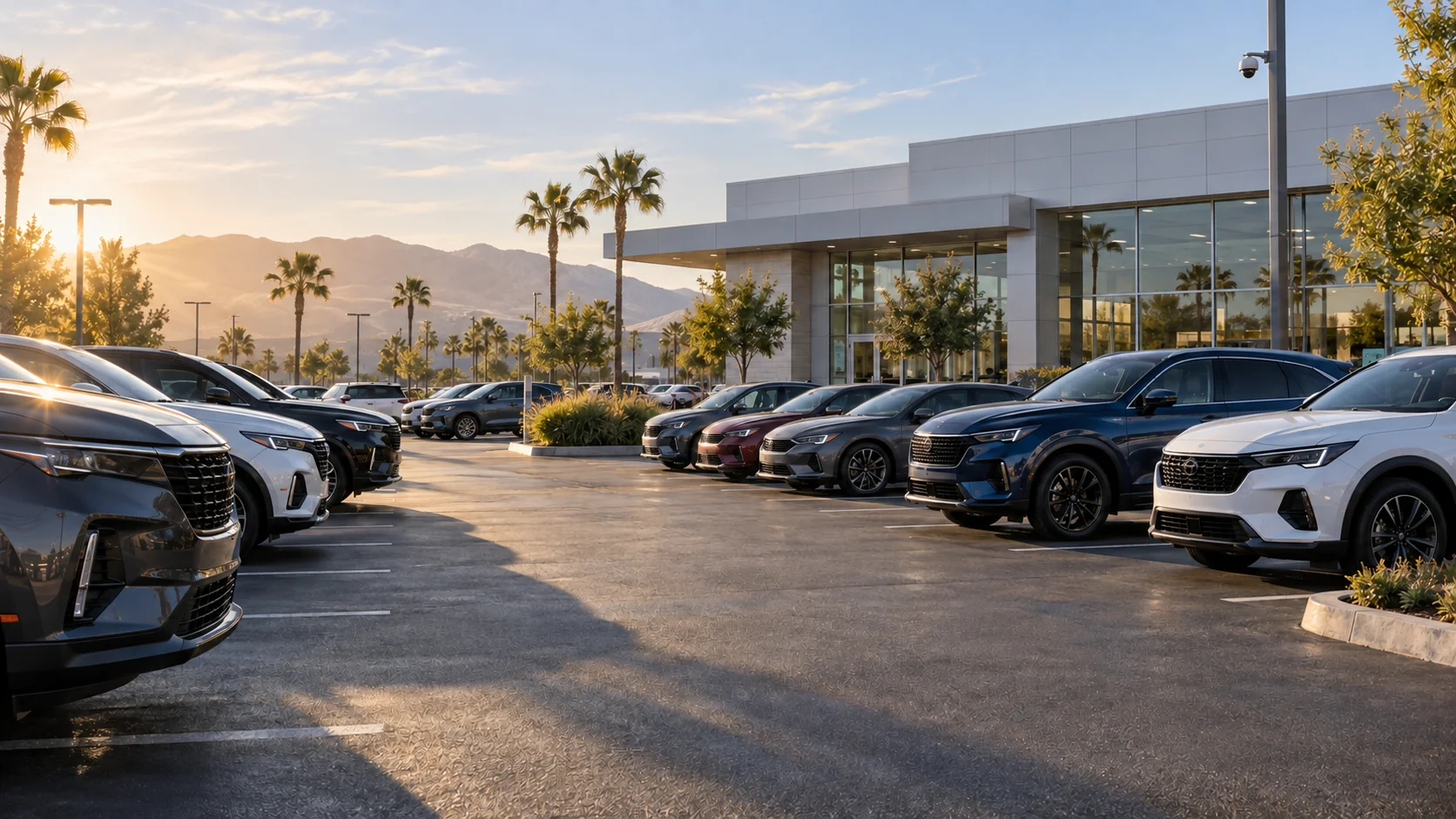
Dealerships
Every unit on the lot, accounted for.
ParkSense gives dealership teams one picture of where vehicles are across the front line, back lots, service and overflow: searchable by stock number, partial VIN or description, with movement history and after-hours events routed to the person on call.
The everyday problem
A dealership lot is inventory in motion.
Vehicles are sold, serviced, detailed, photographed, test-driven and moved all day. The records rarely keep up with the asphalt.
-
01
Spread across the property
Units sit on the front line, in back lots, at service, in reconditioning and in overflow areas, sometimes across the street.
-
02
Searching row by row
Finding one specific unit can mean a walk with keys in hand while the customer waits inside.
-
03
Moves nobody wrote down
A car goes to the wash, the photo bay or a test drive and comes back to a different space. The record still says where it used to be.
-
04
Reconciling at close
End-of-day counts depend on someone walking the lot with a list and checking it against what they can see.
-
05
After-hours activity
Something happens on the lot overnight. A recording exists somewhere; what the team needs is a timely decision by the right person.
Capabilities
One map of the lot, kept current.
Every workflow starts from the same lot map: zones your team recognizes, vehicles where they were last observed and a clear record of what moved.
-
01Inventory search
Search the way your team talks
Type a stock number, the last characters of a VIN or a description such as “white hybrid SUV”. ParkSense shows the vehicle’s last observed location on the lot map, with the time it was seen.
-
02Movement history
Movement history for every unit
See where a vehicle has been: service, reconditioning, the photo bay, the back lot. Each observed move is recorded against the unit, so “where did it go?” has an answer.
-
03Lot-move awareness
Test drives and lot moves
When a unit leaves its space or the lot, the move is recorded. The space reads as out on a test drive rather than simply empty, and the vehicle’s new location is captured when it returns.
-
04Reconciliation view
Reconcile the lot at close
Compare what is observed in each zone with what your inventory expects. Gaps are listed by zone, so the closing walk goes straight to what needs checking.
-
05After-hours review
After-hours events, routed to a person
Activity on the lot after close becomes an event for whoever is on call, with the zone, the time and the relevant view. They decide: dismiss it, check in person or escalate under your procedures.
-
06Zone setup
Zones that match your lot
Front line, back lots, service, reconditioning and overflow are drawn to match how your team already describes the property, and they change when the lot does.
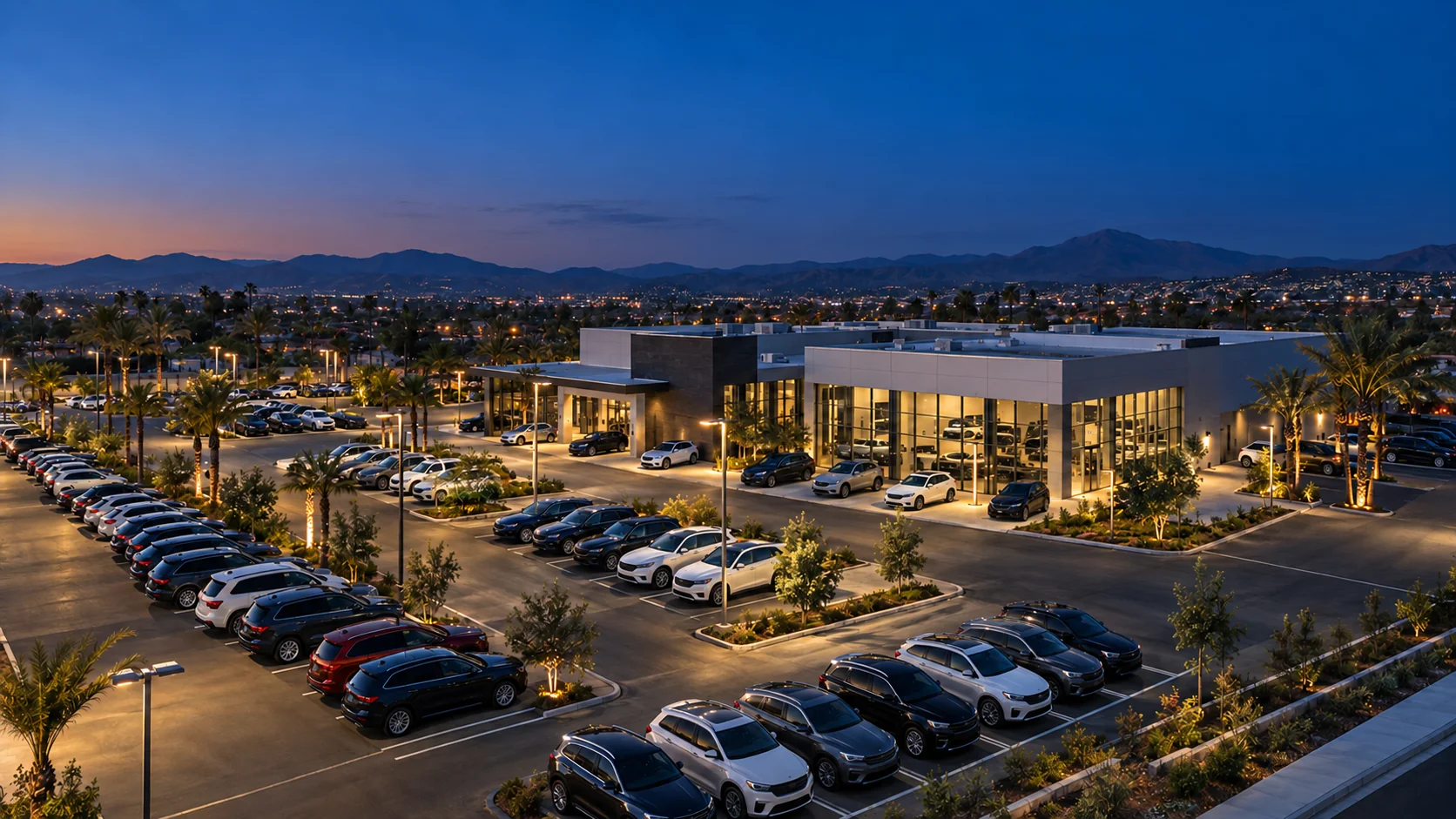
Illustrative scene. Labels show how zones appear in the operator view.
A day on the lot
From the opening walk to the overnight call.
Every role touches the same lot map at a different moment. Here is how one day runs with ParkSense in the loop.
-
Opening walk
Lot manager
Starts from the reconciliation view instead of a clipboard: which units are where, which zones changed overnight and anything left for follow-up.
-
Customer request
Sales
A customer asks about a white hybrid. A search by partial VIN returns its last observed space in the back lot, and the salesperson walks straight to it.
-
Test drive out and in
Sales and lot staff
The unit leaves the front line and the space shows as out, not empty. When it returns to a different space, the new location is what search shows next.
-
Evening close
Closing manager
Observed units are compared with the expected count, zone by zone. The one gap in the back lot is checked and resolved before the gates close.
-
Overnight review
On-call manager
Motion in the overflow lot becomes an event with the zone, time and view. The on-call manager reviews it, decides and the decision is there for the morning team.
Setup
What setting up involves.
Every lot is laid out differently, so rollout starts on site, with your team, and follows the way your property already works.
-
01
Site walk
We walk the property with your lot and service leads: entrances, rows, the service drive, overflow areas, lighting, existing cameras, power and network.
-
02
Coverage plan
A plan of which views cover which spaces, where existing cameras are usable and where additional coverage would close a gap.
-
03
Zone map
Your lot drawn as zones and rows, with the names your team already uses, so search results and events read naturally.
-
04
Rollout
Start with the area where searches take longest, confirm results with your team, then extend zone by zone.
Defined per site, with you
- Camera coverage
- Which spaces and zones are covered, from which views.
- Data retention
- What is kept, in what form and for how long.
- Access
- Who sees the lot map, who receives events and who can change zones.
- Integrations
- How inventory records come in and where events go out.
Questions
What dealers ask first.
Short answers to the questions that come up in the first conversation. Anything specific to your lot is easier to answer on a call.
Do we need to replace our existing cameras?
Not necessarily. During the site walk we look at what you have, where each camera points and what it can see. The coverage plan identifies which existing views are usable and where additional coverage would help. Hardware decisions are made per site, with you.
How does search find a specific vehicle?
Search runs against your inventory records, by stock number, partial VIN or a description such as color and body style, and returns the vehicle’s last observed location on the lot map with the time it was seen. How inventory records are matched to observed vehicles is configured with your team during setup.
What happens when something is flagged after hours?
The event goes to the person your team designates as on call, with the zone, the time and the relevant view. That person decides what to do: dismiss it, check in person or escalate under your own procedures. The decision is recorded so the morning team can see what happened.
Where is video processed?
On site. ParkSense uses edge processing, so video is analyzed at the lot and the operator experience works with structured events: locations, moves and exceptions. What is retained, for how long and who can access it are defined per site with you.
Does ParkSense connect to our inventory system?
Integration scope is defined per site. The simplest starting point is a regular inventory export, so search uses your stock numbers. Deeper connections, and which events should flow into the tools you already use, are scoped with your team.
Can we start with part of the lot?
Yes. Rollout can be staged: start with the front line, or the zone where searches take longest, then extend as coverage and the zone map are confirmed.
For dealerships
Find the vehicle. Then get back to the customer.
Tell us about your lots, your inventory process and who takes the after-hours call. We will show how search, movement history and event review would work on your site.